前置条件
docker
docker-compose
443 端口未被占用
域名: harbor.imwl.cf
证书存放路径 /etc/cert/harbor
默认账户密码 admin Harbor12345 (可以修改配置文件更改)
1 | mkdir /etc/cert/harbor |
不安全是因为使用的自签名,并非来自权威证书机构颁布
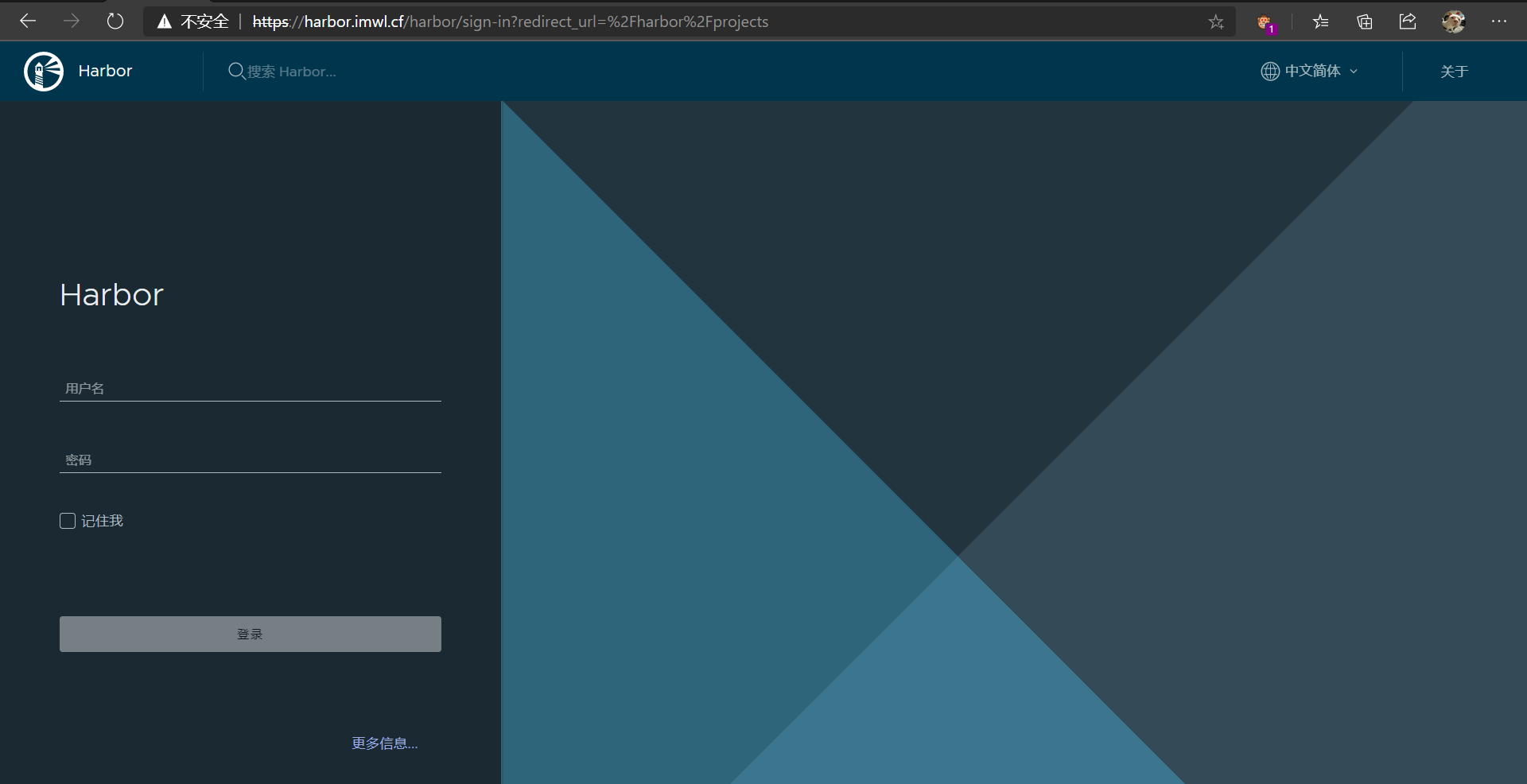
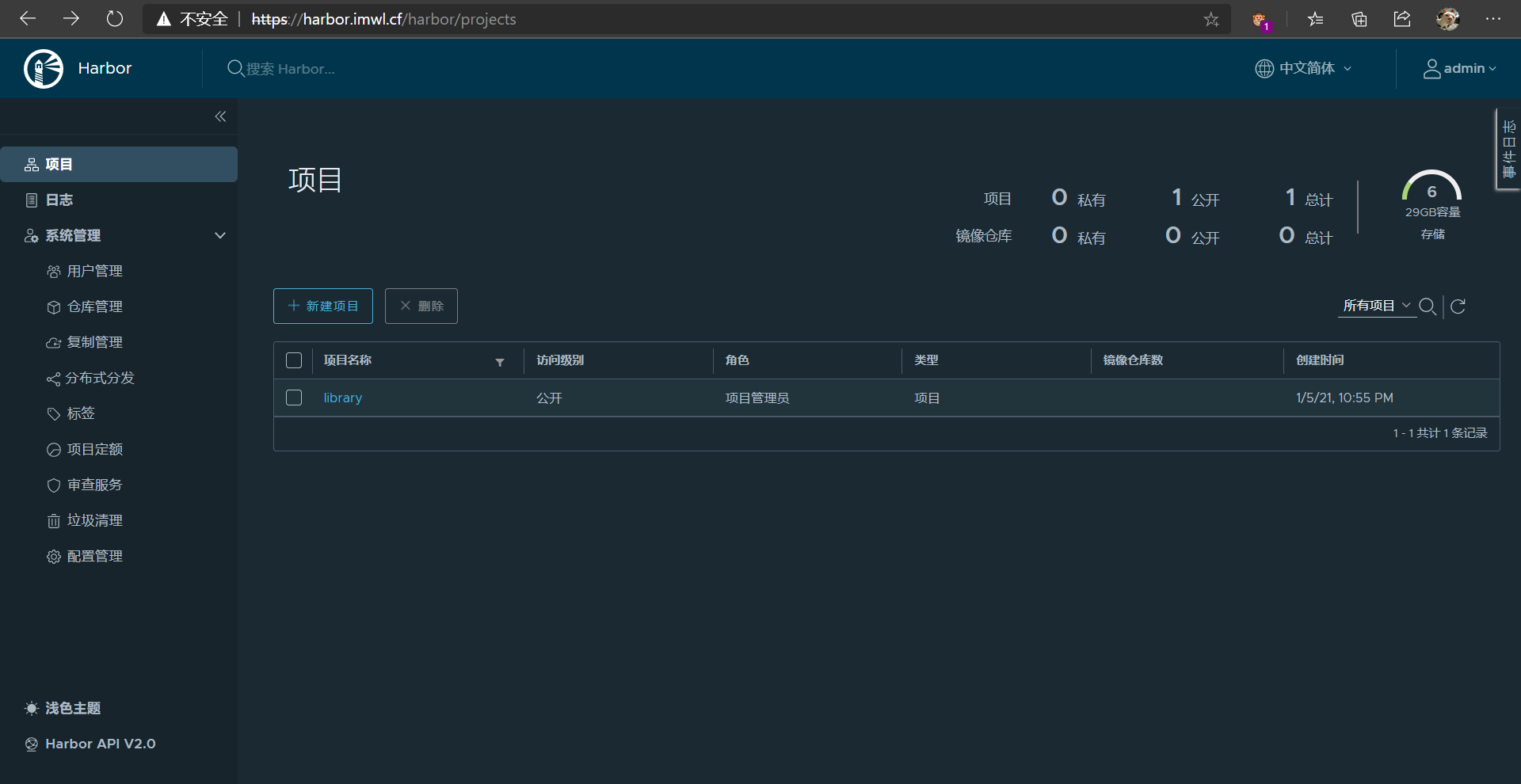
报错信息1
2
3
4[root@k8s01 ~]# docker login harbor.imwl.cf
Username: imwl
Password:
Error response from daemon: Get https://harbor.imwl.cf/v2/: x509: certificate is not valid for any names, but wanted to match harbor.imwl.cf
需要修改 /etc/docker/daemon.json 添加 insecure-registries1
2
3
4
5
6
7
8[root@k8s01 ~]# cat /etc/docker/daemon.json
{
"registry-mirrors": ["https://1hdirfy9.mirror.aliyuncs.com"],
"exec-opts":["native.cgroupdriver=systemd"],
"insecure-registries":["harbor.imwl.cf"]
}
systemctl restart docker
重新验证, ok
1 | [root@k8s01 ~]# docker login harbor.imwl.cf |
推送1
2
3
4
5
6
7
8
9
10
11
12[root@k8s01 ~]# docker images |grep pause
imwl/pause 3.2 80d28bedfe5d 10 months ago 683kB
[root@k8s01 ~]# docker tag imwl/pause:3.2 harbor.imwl.cf/library/pause:3.2
[root@k8s01 ~]# docker images |grep pause
imwl/pause 3.2 80d28bedfe5d 10 months ago 683kB
harbor.imwl.cf/library/pause 3.2 80d28bedfe5d 10 months ago 683kB
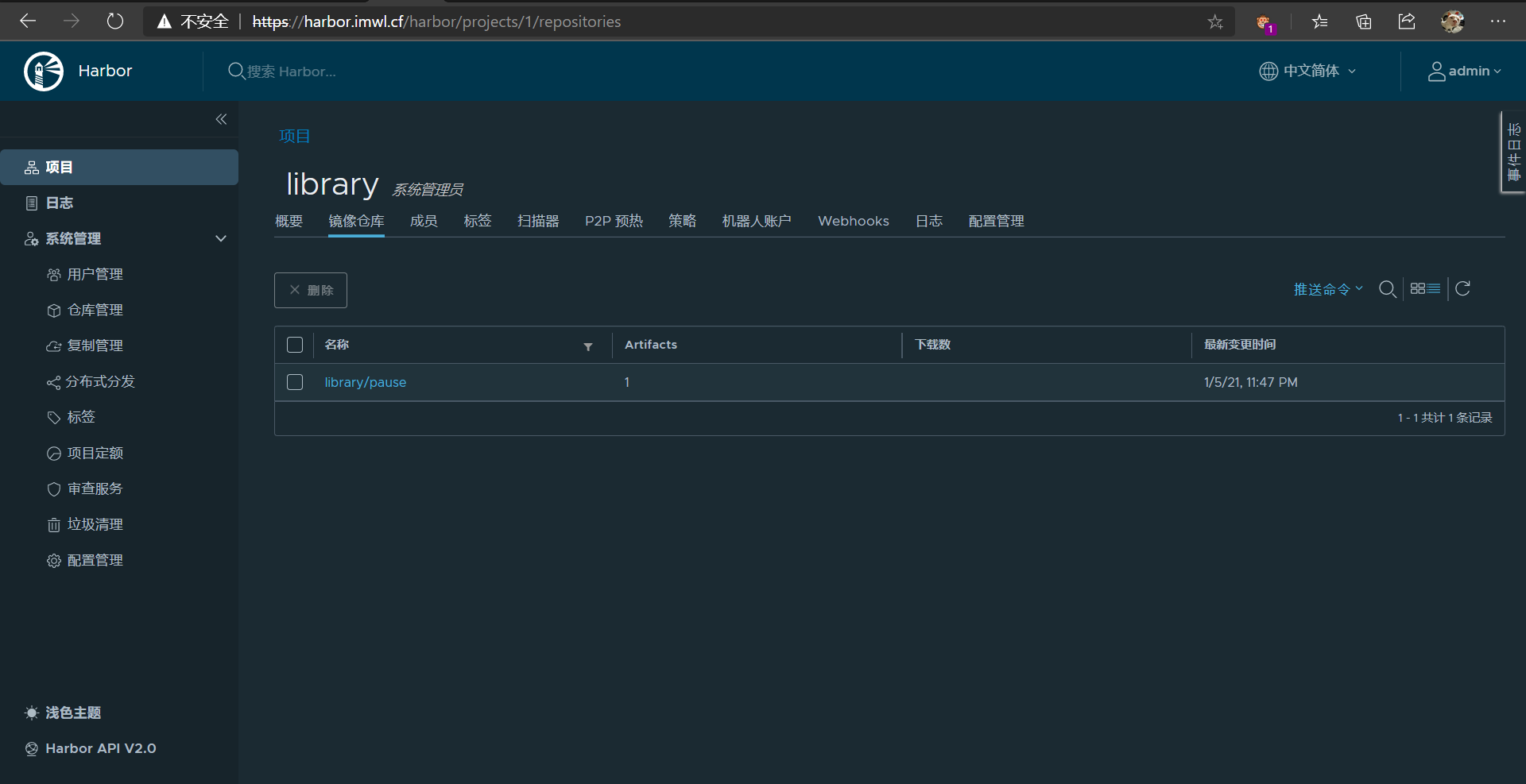
[root@k8s01 ~]# docker push harbor.imwl.cf/library/pause:3.2
The push refers to repository [harbor.imwl.cf/library/pause]
ba0dae6243cc: Pushed
3.2: digest: sha256:4a1c4b21597c1b4415bdbecb28a3296c6b5e23ca4f9feeb599860a1dac6a0108 size: 526
补
Skopeo 是一个用于管理和操作容器镜像的开源工具
停止 harbor1
2cd harbor
docker-compose stop
启动 harbor1
2cd harbor
docker-compose up -d
开机自启
1 | /usr/lib/systemd/system/harbor.service,内容如下: |
自定义网段
修改 docker-compose.yml1
2
3
4
5
6
7
8
9
10
11networks:
harbor:
external: false
# 改成
networks:
harbor:
driver: bridge
ipam:
config:
- subnet: 172.30.0.0/16
gateway: 172.30.0.1
或者直接修改 install.sh 文件1
2
3
4
5h2 "[Step $item]: starting Harbor ..."
# 新加内容
sed -i 's|external: false|driver: bridge\n ipam:\n config:\n - subnet: 172.30.0.0/16\n gateway: 172.30.0.1|' docker-compose.yml
$DOCKER_COMPOSE up -d
docker 自定义网段
1 |
|