📌 学习笔记 :本文为学习与实践过程中整理的技术笔记,内容梳理自官方文档与网络公开资料,主要用于知识沉淀与命令速查。
前置条件 docker
docker-compose
443 端口未被占用
域名: harbor.imwl.cf
证书存放路径 /etc/cert/harbor
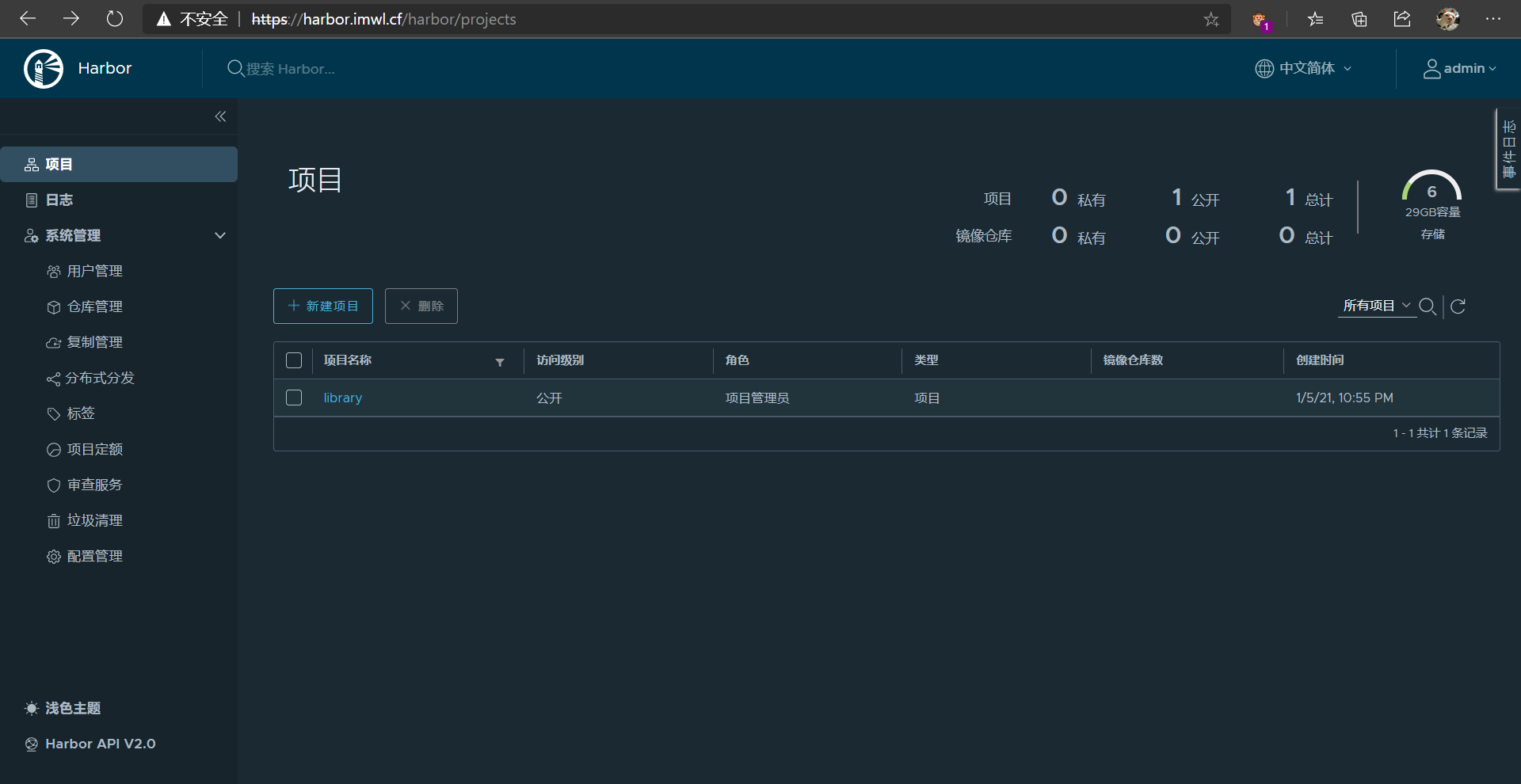
默认账户密码 admin Harbor12345 (可以修改配置文件更改)
1
2
3
4
5
6
7
8
9
10
11
12
13
14
15
16
17
18
19
20
mkdir /etc/cert/harbor wget https://github.com/goharbor/harbor/releases/download/v2.1.2/harbor-offline-installer-v2.1.2.tgz tar -xzvf harbor-offline-installer-v2.1.2.tgz cd harbor cp harbor.yml.tmpl harbor.yml # 修改域名以及 证书路径 mkdir certs.d && cd certs.d openssl req -newkey rsa:4096 -nodes -sha256 -keyout ca.key -x509 -days 3650 -out ca.crt # 生成秘钥和自签名证书 openssl req -newkey rsa:4096 -nodes -sha256 -keyout harbor.imwl.cf.key -out harbor.imwl.cf.csr # 生成证书签名请求 # 服务端证书必须带 subjectAltName,Go 从 1.15 起完全不再回退到 CN。 # 少了 -extfile 这一步,签出来的证书没有任何 SAN,docker login 会报 # x509: certificate is not valid for any names cat > v3.ext <<'EOF' subjectAltName = DNS:harbor.imwl.cf extendedKeyUsage = serverAuth EOF openssl x509 -req -days 365 -in harbor.imwl.cf.csr -CA ca.crt -CAkey ca.key -CAcreateserial -extfile v3.ext -out harbor.imwl.cf.crt # 生成服务器证书 cp harbor.imwl.cf* /etc/cert/harbor cd .. ./install.sh
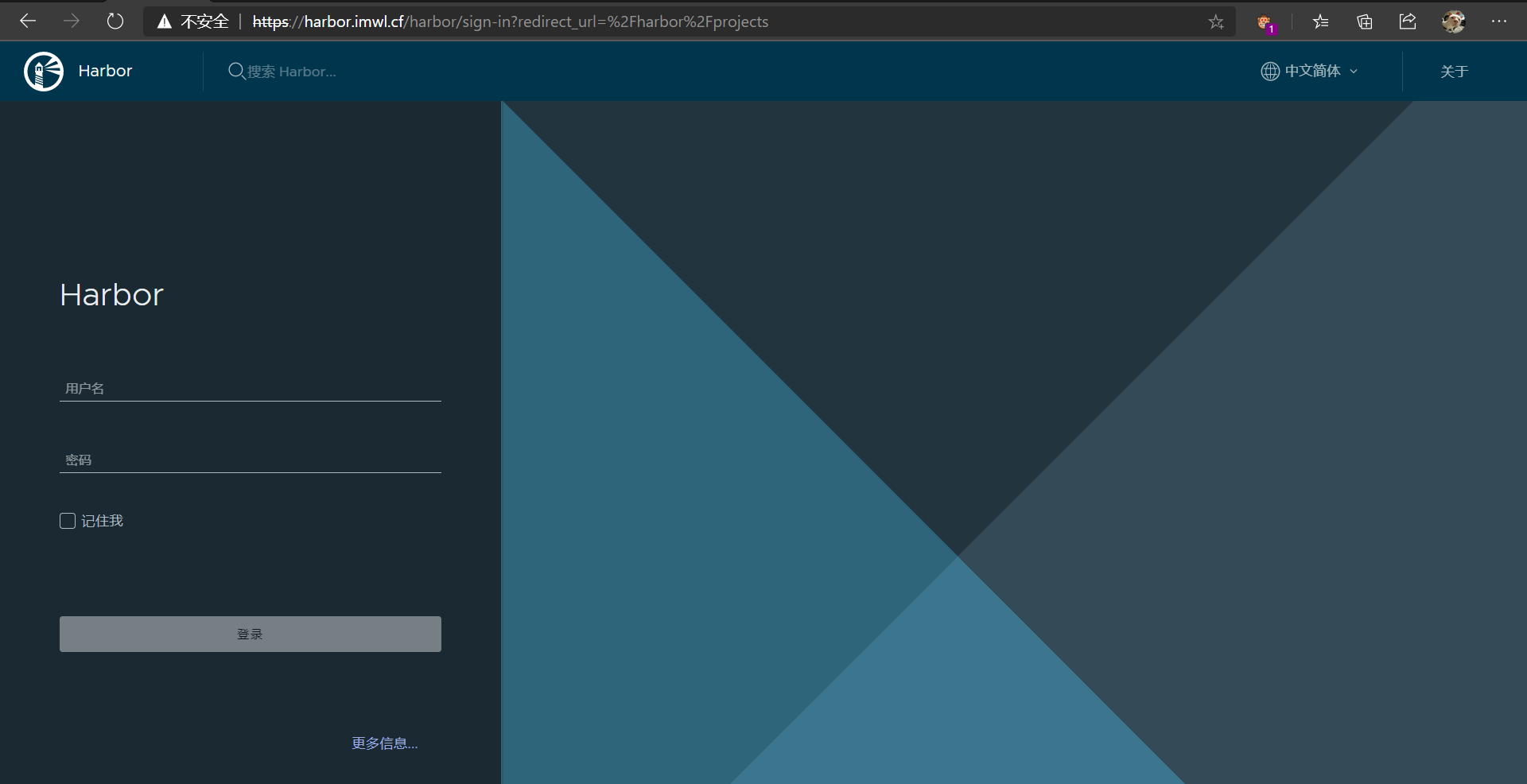
浏览器提示不安全是因为用的自签名 CA,不在系统信任列表里
报错信息
1
2
3
4
[root@k8s01 ~]# docker login harbor.imwl.cf Username: imwl Password: Error response from daemon: Get https://harbor.imwl.cf/v2/: x509: certificate is not valid for any names, but wanted to match harbor.imwl.cf
注意这条报错说的是 not valid for any names —— 证书里没有任何 SAN,跟”是不是自签名”没关系(自签名不受信的报错是另一句 x509: certificate signed by unknown authority)。根因就是上面签证书时漏了 -extfile。
正确的修法是按上面补上 SAN 重签,再把自建的 ca.crt 放到 Docker 的信任目录里,这样 TLS 校验照旧、登录也能过:
1
2
3
mkdir -p /etc/docker/certs.d/harbor.imwl.cf cp ca.crt /etc/docker/certs.d/harbor.imwl.cf/ca.crt systemctl restart docker
下面这种改 insecure-registries 的做法是关掉 TLS 校验 绕过去,只适合临时排查,别留在生产上:
1
2
3
4
5
6
7
8
[root@k8s01 ~]# cat /etc/docker/daemon.json { "registry-mirrors": ["https://1hdirfy9.mirror.aliyuncs.com"], "exec-opts":["native.cgroupdriver=systemd"], "insecure-registries":["harbor.imwl.cf"] } systemctl restart docker
重新验证, ok
1
2
3
4
5
6
7
8
[root@k8s01 ~]# docker login harbor.imwl.cf Username: admin Password: WARNING! Your password will be stored unencrypted in /root/.docker/config.json. Configure a credential helper to remove this warning. See https://docs.docker.com/engine/reference/commandline/login/#credentials-store Login Succeeded
推送
1
2
3
4
5
6
7
8
9
10
11
12
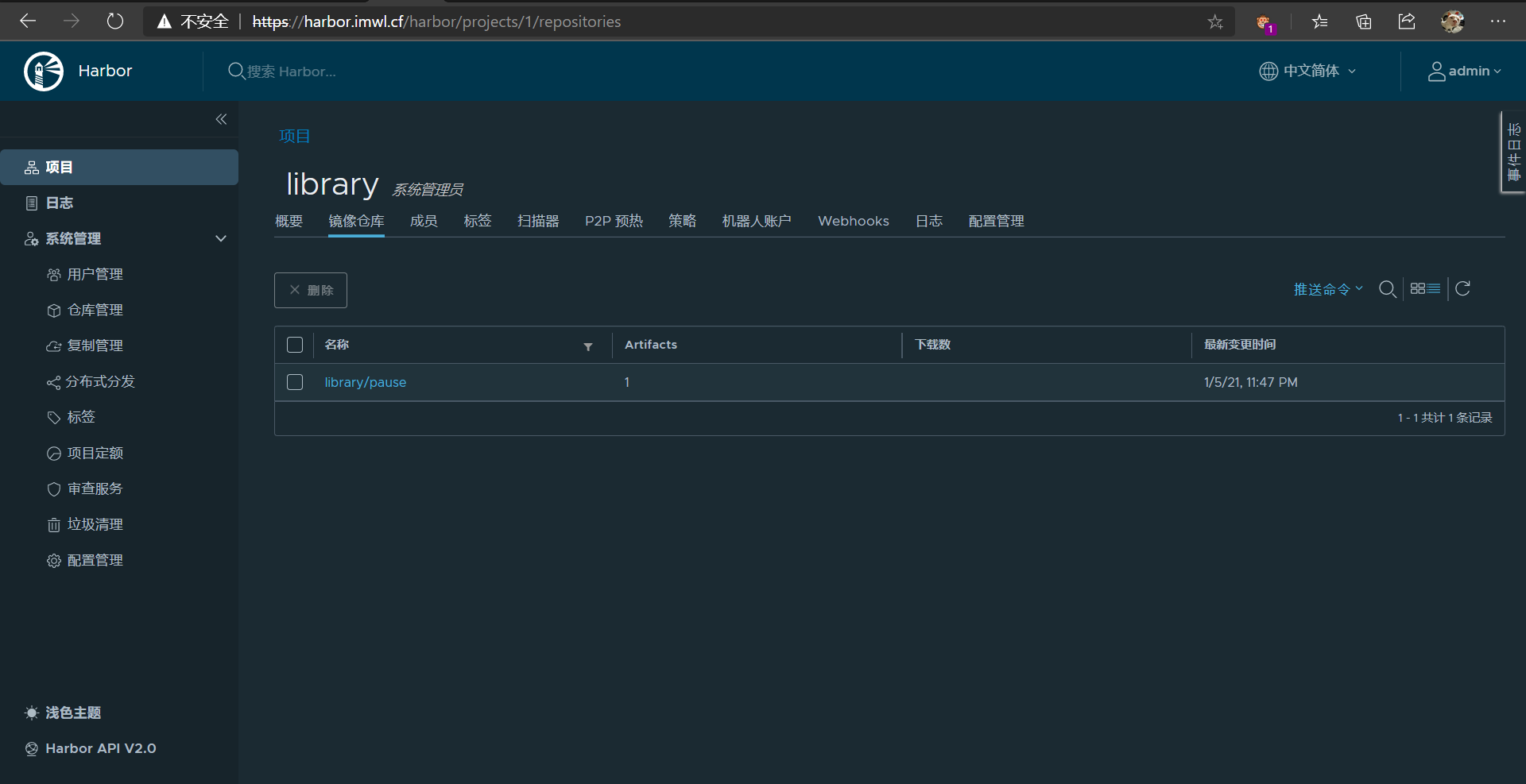
[root@k8s01 ~]# docker images |grep pause imwl/pause 3.2 80d28bedfe5d 10 months ago 683kB [root@k8s01 ~]# docker tag imwl/pause:3.2 harbor.imwl.cf/library/pause:3.2 [root@k8s01 ~]# docker images |grep pause imwl/pause 3.2 80d28bedfe5d 10 months ago 683kB harbor.imwl.cf/library/pause 3.2 80d28bedfe5d 10 months ago 683kB [root@k8s01 ~]# docker push harbor.imwl.cf/library/pause:3.2 The push refers to repository [harbor.imwl.cf/library/pause] ba0dae6243cc: Pushed 3.2: digest: sha256:4a1c4b21597c1b4415bdbecb28a3296c6b5e23ca4f9feeb599860a1dac6a0108 size: 526
补 Skopeo 是一个用于管理和操作容器镜像的开源工具
停止 harbor
1
2
cd harbor docker-compose stop
启动 harbor
1
2
cd harbor docker-compose up -d
开机自启
1
2
3
4
5
6
7
8
9
10
11
12
13
14
15
16
17
18
19
20
21
22
23
24
/usr/lib/systemd/system/harbor.service,内容如下: [Unit] Description=Harbor After=docker.service systemd-networkd.service systemd-resolved.service Requires=docker.service Documentation=http://github.com/vmware/harbor [Service] Type=simple Restart=on-failure RestartSec=5 ExecStart=/usr/local/bin/docker-compose -f {{ harbor_install_path }}/harbor/docker-compose.yml up ExecStop=/usr/local/bin/docker-compose -f {{ harbor_install_path }}/harbor/docker-compose.yml down [Install] WantedBy=multi-user.target 复制 其中 {{ harbor_install_path }} 换成自己的 harbor 安装路径。 还有 docker-compose 的绝对路径,请通过 which docker-compose 查看。 然后启动该项服务: sudo systemctl enable harbor sudo systemctl start harbor
自定义网段
修改 docker-compose.yml
1
2
3
4
5
6
7
8
9
10
11
networks: harbor: external: false # 改成 networks: harbor: driver: bridge ipam: config: - subnet: 172.30.0.0/16 gateway: 172.30.0.1
或者直接修改 install.sh 文件
1
2
3
4
5
h2 "[Step $item]: starting Harbor ..." # 新加内容 sed -i 's|external: false|driver: bridge\n ipam:\n config:\n - subnet: 172.30.0.0/16\n gateway: 172.30.0.1|' docker-compose.yml $DOCKER_COMPOSE up -d
docker 自定义网段
1
2
3
4
5
6
{ "registry-mirrors": ["https://mirror.ccs.tencentyun.com"], "insecure-registries":["xxx.xxx.xxx.xxx:5002"], "bip":"172.31.0.1/16" # 新增 }